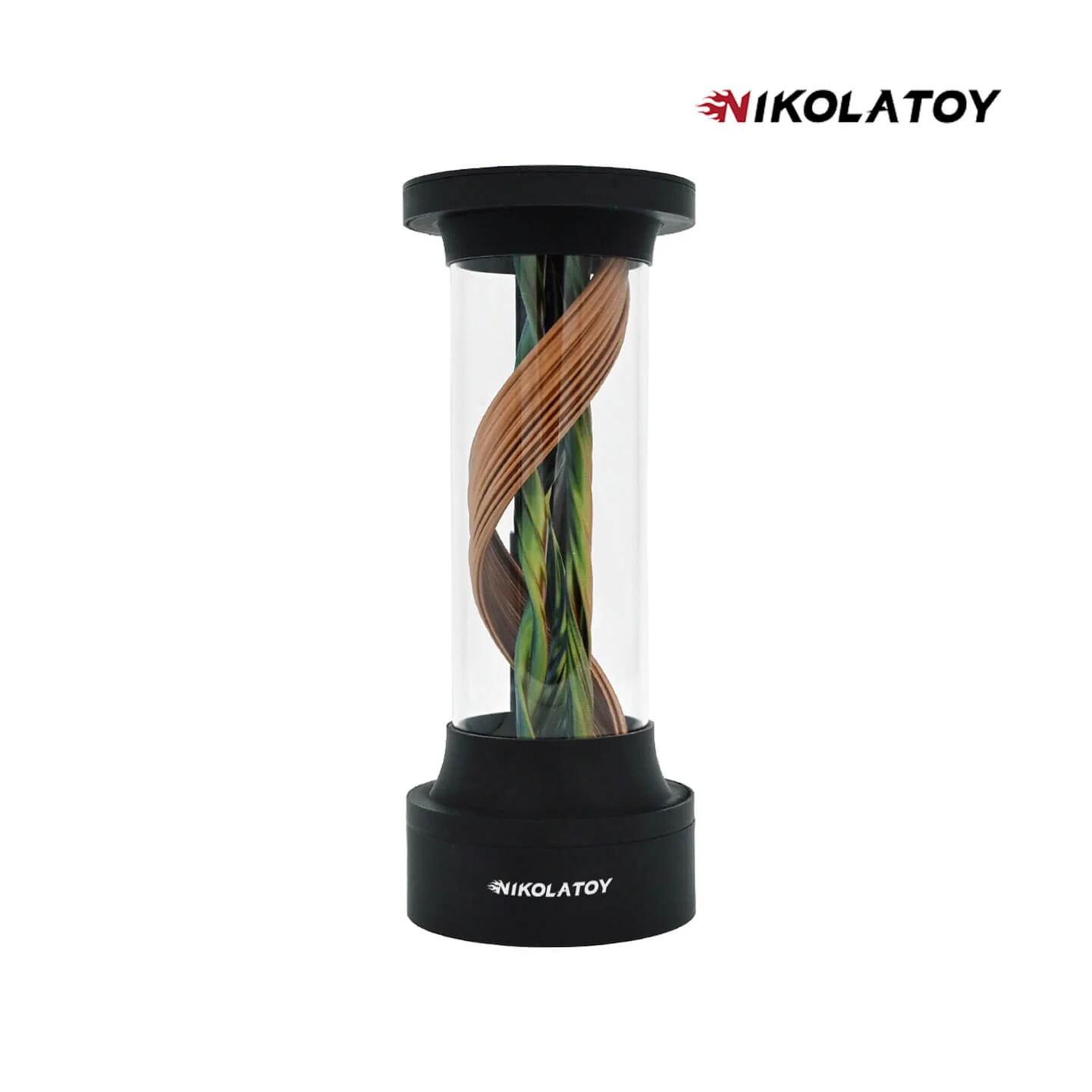
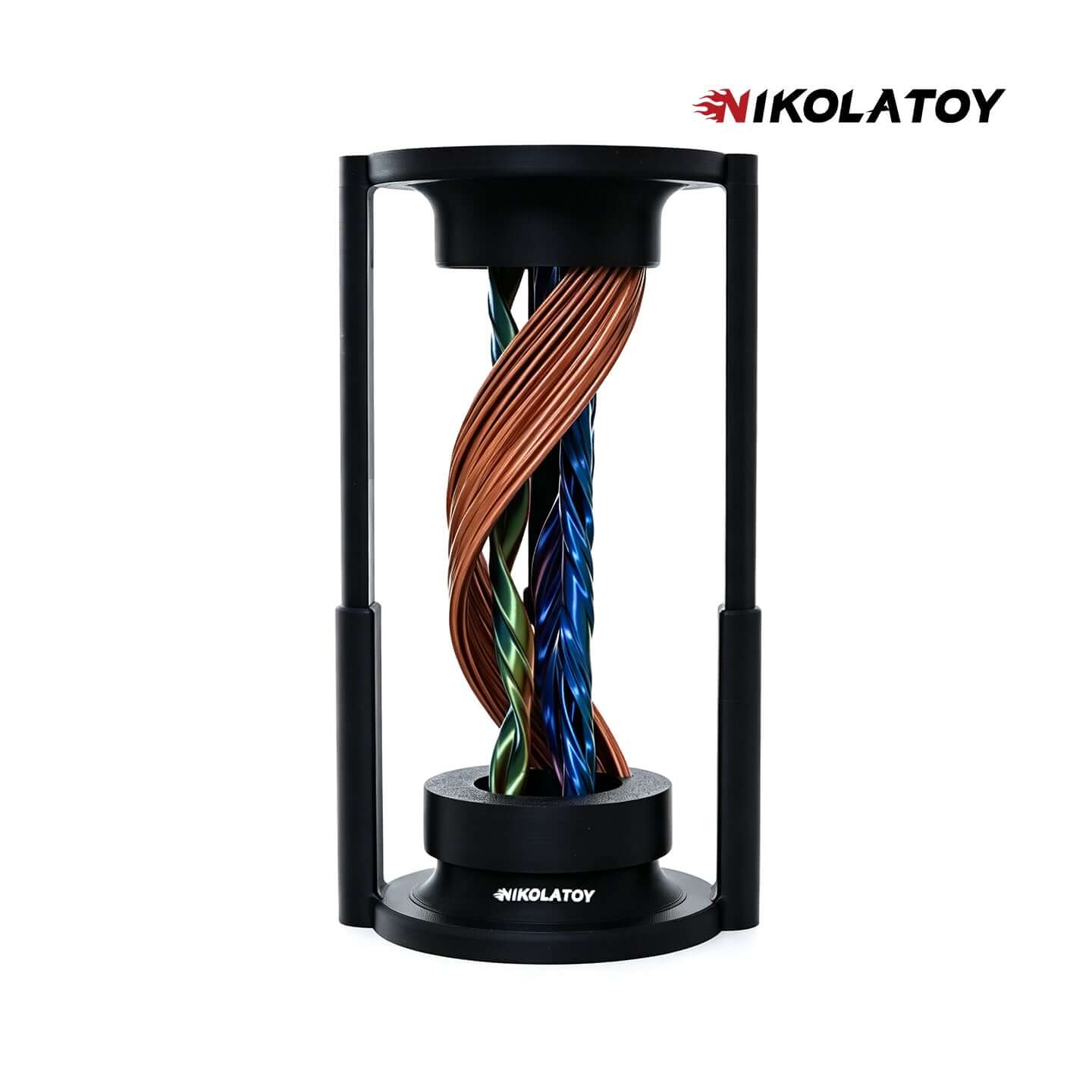
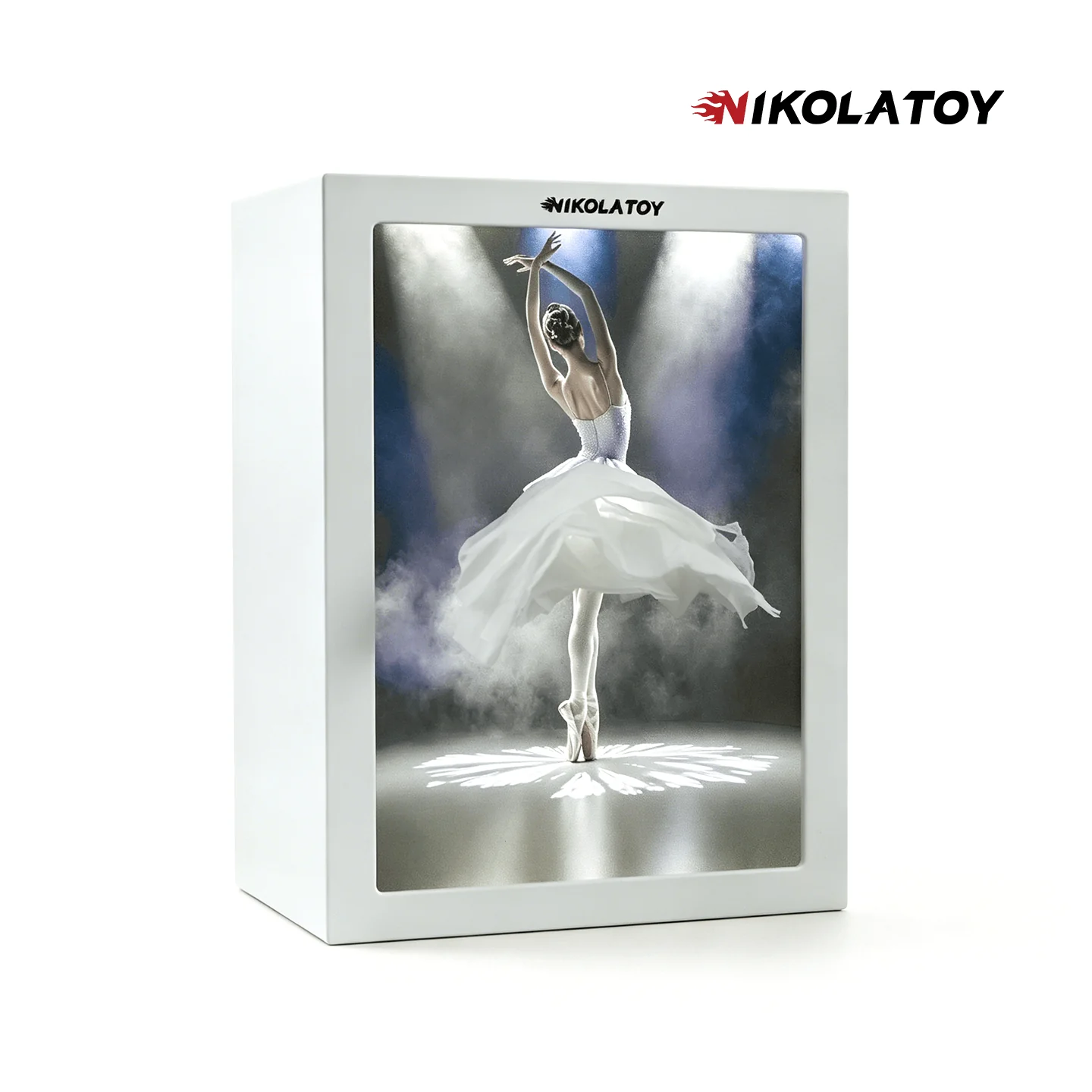
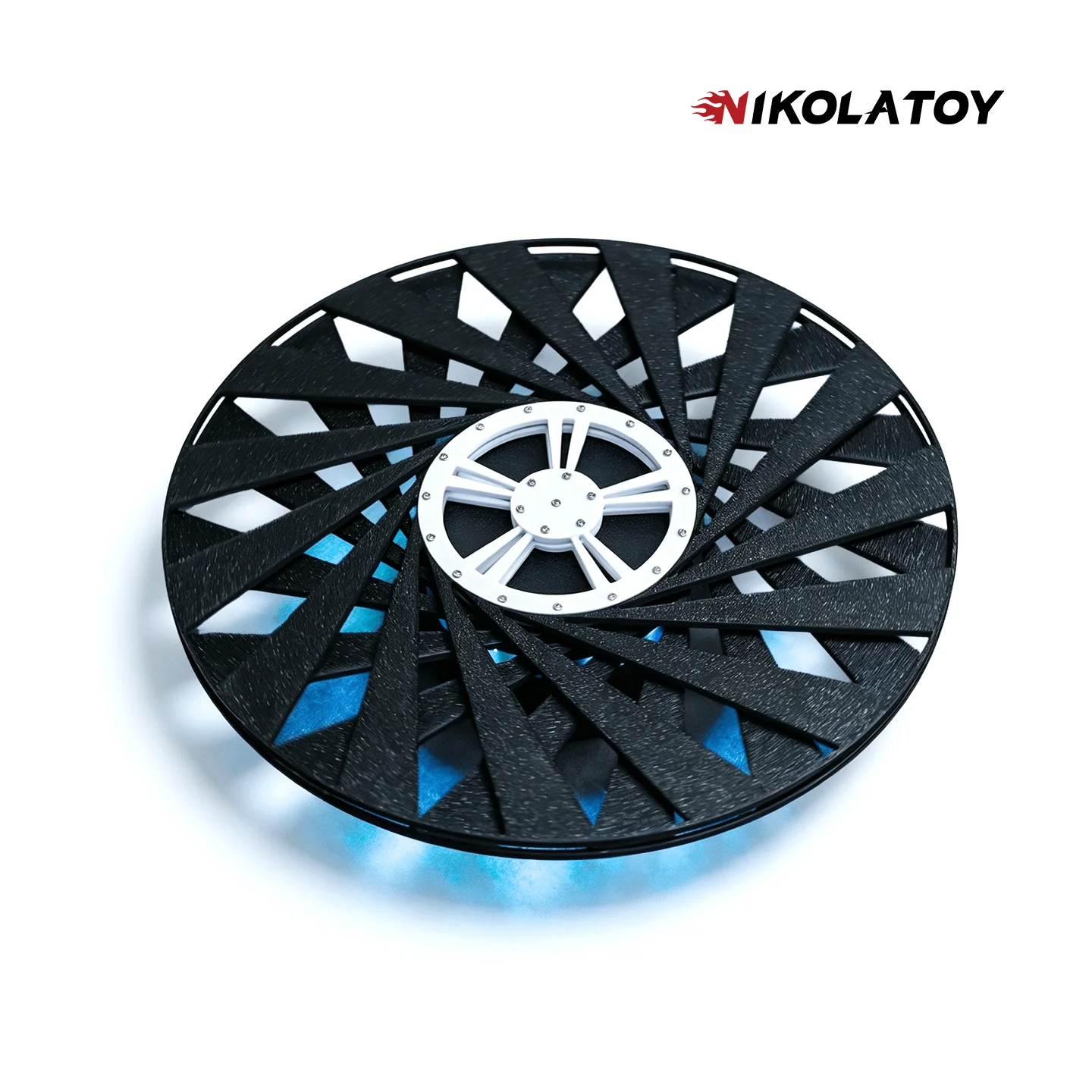
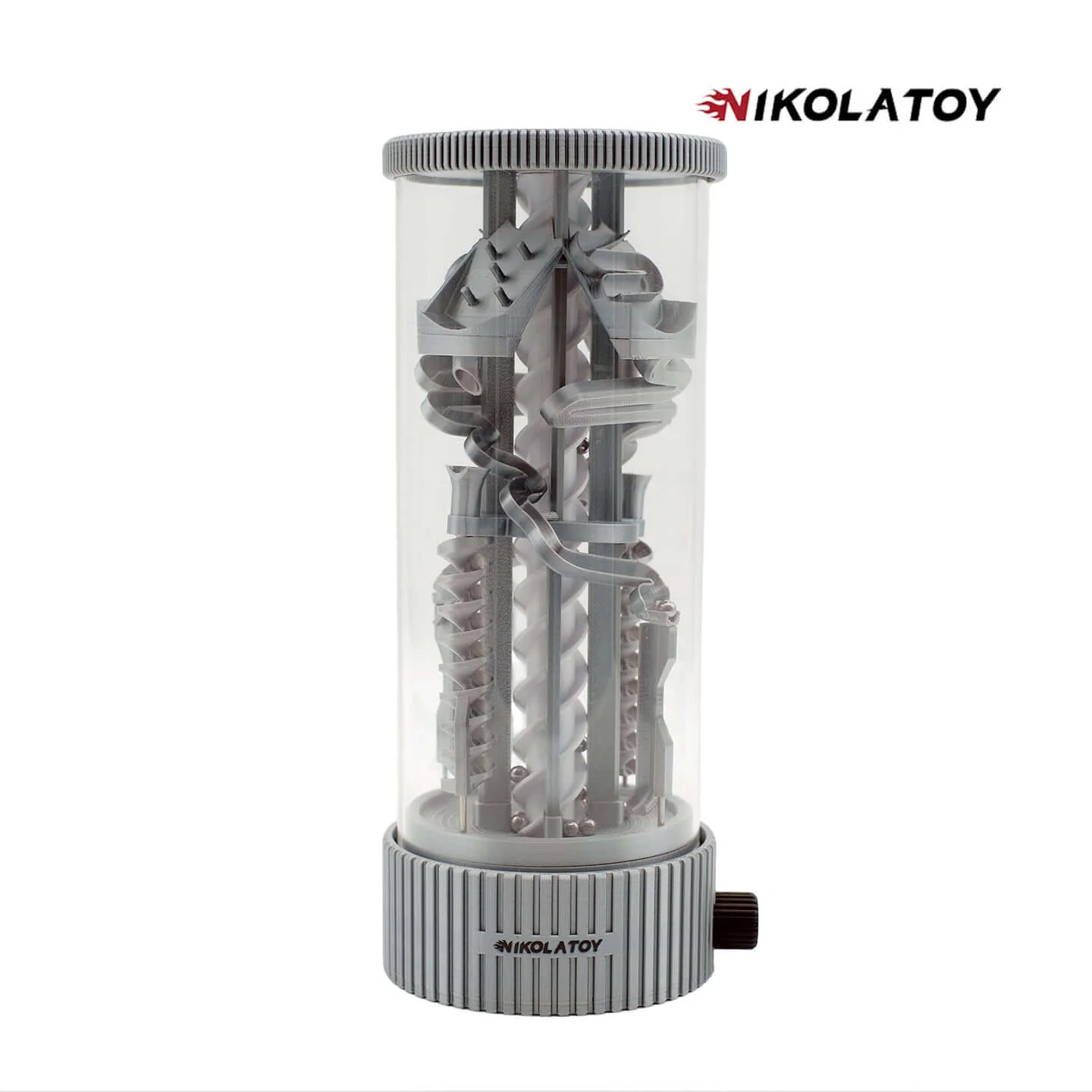
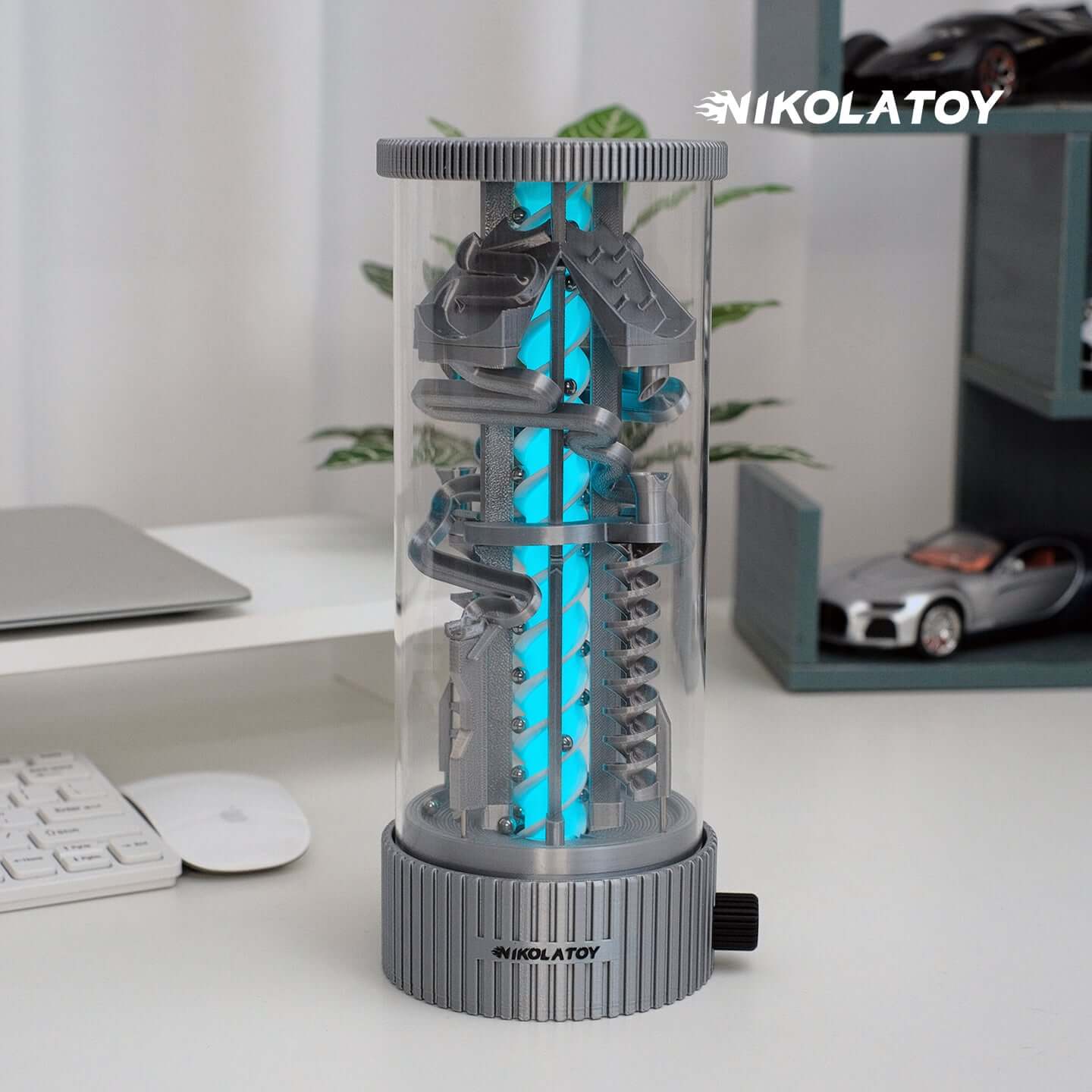
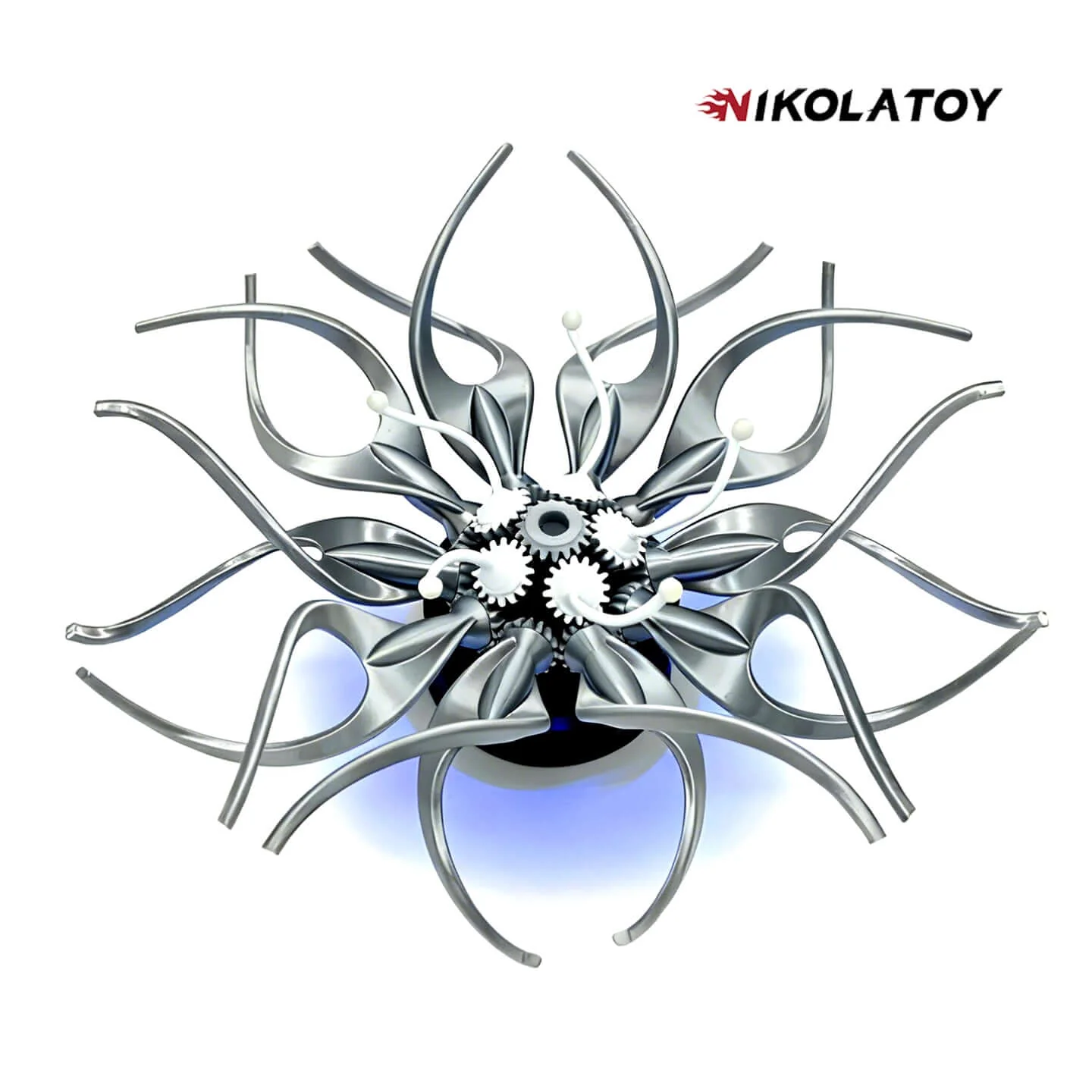
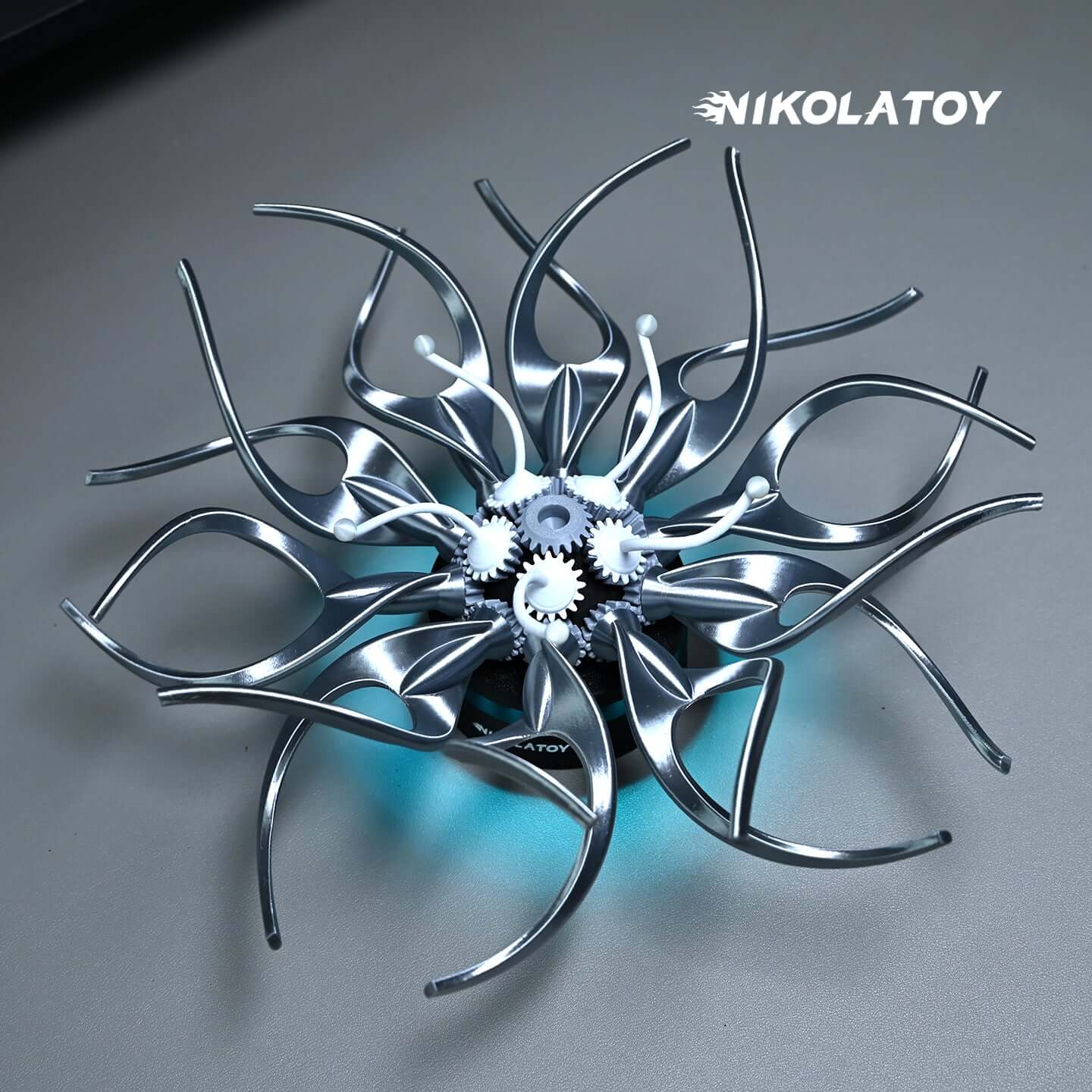
Cute Maglev Mini Aircraft - Creative Clock
Brand: NIKOLATOY
Product Name:Creative desktop JetFan
Size:12*11*8cm / 4.5*4*3inch
Weight:400g
Material: Acrylic+Resin
Process:Light curing
Product Name:NikolaToy™ Cute Maglev Mini Aircraft - Creative Clock
Suspension height: 12mm
Supply voltage: DC5.0~30V
Temperature function range:-40~120 degrees, resolution of 0.1 degrees.
Voltage meter function range:5-30V
Function and usage instructions:
1. Adjust the alternating display interval time for time, date, year, voltage error, and temperature error cycle display items
In a non set state, press the left button to enter the time adjustment (note that the colon in the middle is lit). At this time, the "minute" starts flashing, press the right button to increase the adjustment range from 00 to 59. After adjusting the "minute", press the left button again, and at this time, the "hour" starts flashing. Press the right button to increase the adjustment range from 00 to 23. After adjusting the "hour", press the left button to enter the date adjustment (note that the colon in the middle is off), and the "day" will start flashing. Press the right button to increase the adjustment range from 1 to 31. After adjusting the "day", press the left button again, and the "month" will start flashing. Press the right button to increase and adjust the range from 1 to 12. After adjusting the date, press the left button again to start flashing the year. Press the right button to increase the adjustment range from 2012 to 2049. After adjusting the "year", press the left button again to enter the error calibration function x.xU for displaying voltage, with a unit of 0.1V. Positive numbers indicate an increase and negative numbers indicate a decrease. Then press the left button again to enter the temperature error calibration setting [Ac: xx], Xx represents the correction value, right-click to increase, positive numbers indicate increase, negative numbers indicate decrease, and units are in degrees. Press the left button again to enter the definition function dd option of the display item in the loop display state. Press the right button to change the values (dd: 0) time+temperature+voltage, (dd: 1) time+temperature, (dd: 3) time+voltage application
2. Switch display items
In the non set state, press the right button to switch the display items, and the display will switch between time -->date -->temperature -->voltage -->alternating cycle display.
Function and usage instructions:
1. Adjust the alternating display interval time for time, date, year, voltage error, and temperature error cycle display items
In a non set state, press the left button to enter the time adjustment (note that the colon in the middle is lit). At this time, the "minute" starts flashing, press the right button to increase the adjustment range from 00 to 59. After adjusting the "minute", press the left button again, and at this time, the "hour" starts flashing. Press the right button to increase the adjustment range from 00 to 23. After adjusting the "hour", press the left button to enter the date adjustment (note that the colon in the middle is off), and the "day" will start flashing. Press the right button to increase the adjustment range from 1 to 31. After adjusting the "day", press the left button again, and the "month" will start flashing. Press the right button to increase and adjust the range from 1 to 12. After adjusting the date, press the left button again to start flashing the year. Press the right button to increase the adjustment range from 2012 to 2049. After adjusting the "year", press the left button again to enter the error calibration function x.xU for displaying voltage, with a unit of 0.1V. Positive numbers indicate an increase and negative numbers indicate a decrease. Then press the left button again to enter the temperature error calibration setting [Ac: xx], Xx represents the correction value, right-click to increase, positive numbers indicate increase, negative numbers indicate decrease, and units are in degrees. Press the left button again to enter the definition function dd option of the display item in the loop display state. Press the right button to change the values (dd: 0) time+temperature+voltage, (dd: 1) time+temperature, (dd: 3) time+voltage application
2. Switch display items
In the non set state, press the right button to switch the display items, and the display will switch between time -->date -->temperature -->voltage -->alternating cycle display.
Original: $69.90
-65%$69.90
$24.46Product Information
Product Information
Shipping & Returns
Shipping & Returns
Description
Brand: NIKOLATOY
Product Name:Creative desktop JetFan
Size:12*11*8cm / 4.5*4*3inch
Weight:400g
Material: Acrylic+Resin
Process:Light curing
Product Name:NikolaToy™ Cute Maglev Mini Aircraft - Creative Clock
Suspension height: 12mm
Supply voltage: DC5.0~30V
Temperature function range:-40~120 degrees, resolution of 0.1 degrees.
Voltage meter function range:5-30V
Function and usage instructions:
1. Adjust the alternating display interval time for time, date, year, voltage error, and temperature error cycle display items
In a non set state, press the left button to enter the time adjustment (note that the colon in the middle is lit). At this time, the "minute" starts flashing, press the right button to increase the adjustment range from 00 to 59. After adjusting the "minute", press the left button again, and at this time, the "hour" starts flashing. Press the right button to increase the adjustment range from 00 to 23. After adjusting the "hour", press the left button to enter the date adjustment (note that the colon in the middle is off), and the "day" will start flashing. Press the right button to increase the adjustment range from 1 to 31. After adjusting the "day", press the left button again, and the "month" will start flashing. Press the right button to increase and adjust the range from 1 to 12. After adjusting the date, press the left button again to start flashing the year. Press the right button to increase the adjustment range from 2012 to 2049. After adjusting the "year", press the left button again to enter the error calibration function x.xU for displaying voltage, with a unit of 0.1V. Positive numbers indicate an increase and negative numbers indicate a decrease. Then press the left button again to enter the temperature error calibration setting [Ac: xx], Xx represents the correction value, right-click to increase, positive numbers indicate increase, negative numbers indicate decrease, and units are in degrees. Press the left button again to enter the definition function dd option of the display item in the loop display state. Press the right button to change the values (dd: 0) time+temperature+voltage, (dd: 1) time+temperature, (dd: 3) time+voltage application
2. Switch display items
In the non set state, press the right button to switch the display items, and the display will switch between time -->date -->temperature -->voltage -->alternating cycle display.
Function and usage instructions:
1. Adjust the alternating display interval time for time, date, year, voltage error, and temperature error cycle display items
In a non set state, press the left button to enter the time adjustment (note that the colon in the middle is lit). At this time, the "minute" starts flashing, press the right button to increase the adjustment range from 00 to 59. After adjusting the "minute", press the left button again, and at this time, the "hour" starts flashing. Press the right button to increase the adjustment range from 00 to 23. After adjusting the "hour", press the left button to enter the date adjustment (note that the colon in the middle is off), and the "day" will start flashing. Press the right button to increase the adjustment range from 1 to 31. After adjusting the "day", press the left button again, and the "month" will start flashing. Press the right button to increase and adjust the range from 1 to 12. After adjusting the date, press the left button again to start flashing the year. Press the right button to increase the adjustment range from 2012 to 2049. After adjusting the "year", press the left button again to enter the error calibration function x.xU for displaying voltage, with a unit of 0.1V. Positive numbers indicate an increase and negative numbers indicate a decrease. Then press the left button again to enter the temperature error calibration setting [Ac: xx], Xx represents the correction value, right-click to increase, positive numbers indicate increase, negative numbers indicate decrease, and units are in degrees. Press the left button again to enter the definition function dd option of the display item in the loop display state. Press the right button to change the values (dd: 0) time+temperature+voltage, (dd: 1) time+temperature, (dd: 3) time+voltage application
2. Switch display items
In the non set state, press the right button to switch the display items, and the display will switch between time -->date -->temperature -->voltage -->alternating cycle display.